The GCARE bracelet
One bracelet. Independent connectivity. Real peace of mind.
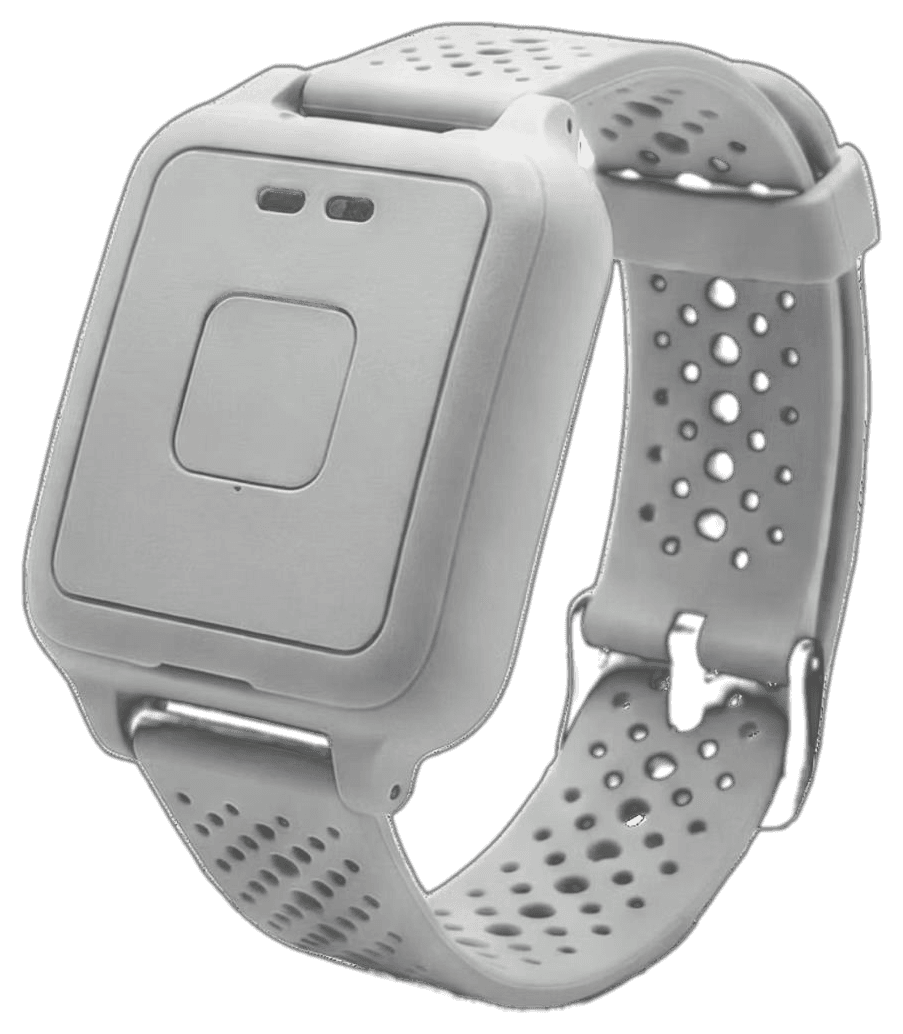
GCARE is worn on the wrist and connects on its own, without needing a paired smartphone. It combines SOS, fall-event alerts, vital-sign trends, location support and two-way voice communication.
Overview
A single, comfortable wristband designed to be worn every day, charged easily, and understood at a glance.
No smartphone required for the wearer.
What GCARE does
01
SOS
Press and hold the main button to send an SOS alert to the wearer's designated contacts, with the bracelet's own number included so they can call straight back.
- Press and hold the main button
- An SOS alert is sent to designated contacts
- Contacts can call back immediately over two-way voice
02
Fall-event detection
GCARE can automatically identify certain fall events and generate an alert. No automatic fall-detection system can guarantee detection of every fall, and very strong or sudden arm movements may occasionally trigger a false alert.
- GCARE can automatically identify certain fall events
- An alert is generated
- Designated contacts are notified — without any action from the wearer
03
Vital-sign trends
Optical sensors on the underside of the bracelet take periodic readings to build heart-rate, SpO₂, temperature and indicative blood-pressure trends over time. This is trend-based monitoring, not a diagnostic medical measurement.
An illustrative trend pattern — not live health data.
04
Two-way communication
The wearer can answer an incoming call directly on the bracelet with a single press, and end it the same way.
05
Location support
Location information helps designated contacts understand where a wearer is when it matters.
06
Removal alerts
If the bracelet is off the wrist for an extended period, a removal alert may be sent to designated contacts. This is expected behaviour while charging.
- Off the wrist for an extended period
- Designated contacts may be notified — expected behaviour while charging
SOS
Press and hold the main button to send an SOS alert to the wearer's designated contacts, with the bracelet's own number included so they can call straight back.
GCARE has no included central monitoring centre. Alerts go directly to the wearer's own designated contacts.
Wearer
Presses SOS
Alert sent
Designated contacts
They respond
Autonomous connectivityThe GCARE bracelet · Connects on its own · Reaches designated contacts
Wearing GCARE correctly
Low-battery alerts
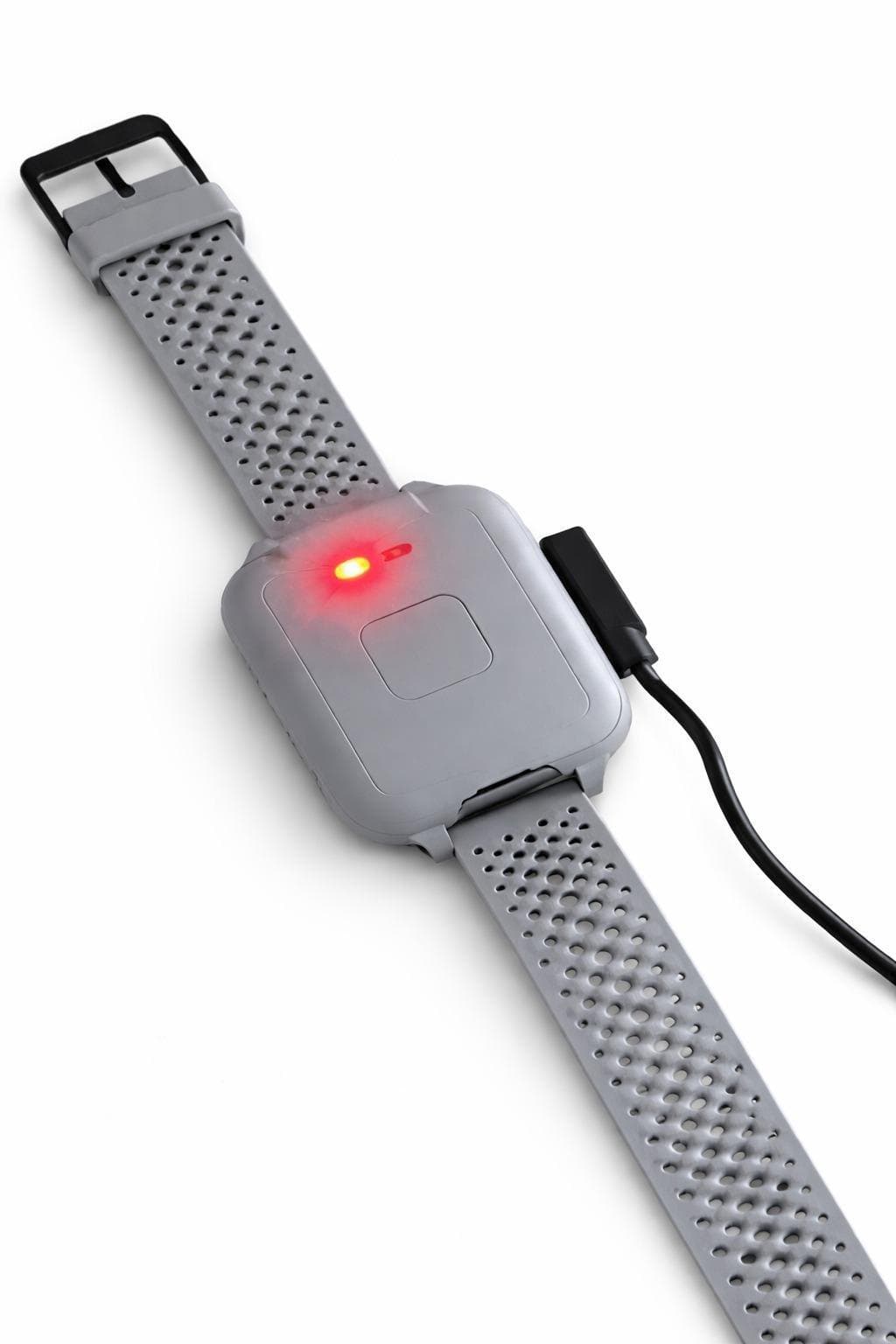
As the battery runs low, the bracelet flashes and designated contacts are notified so it can be recharged before it shuts down.
Charging
Charge fully before first use. A short daily top-up keeps GCARE ready around the clock.
Wearing GCARE correctly
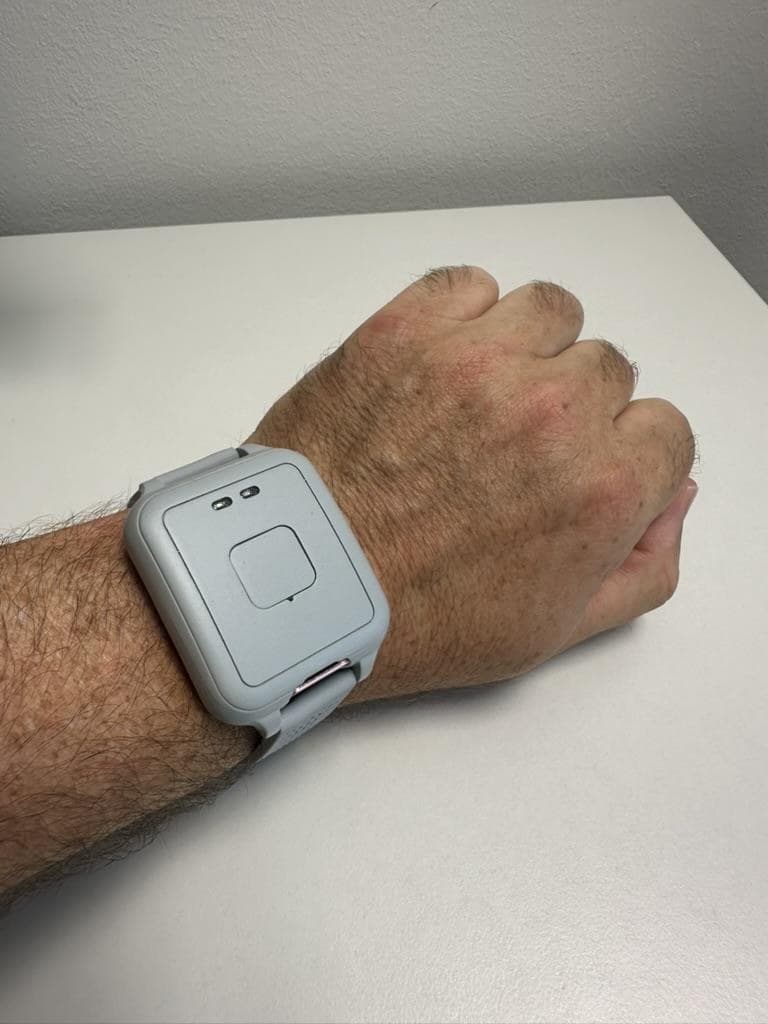
- Wear on the wrist, either hand
- Snug but comfortable — not loose
- Sensor side against the skin
- Not worn over clothing
The first 10 days
GCARE spends its first 10 days learning the wearer's everyday patterns to build a personal baseline. SOS, fall-event alerts, removal alerts and low-battery alerts are active from day one; some trend-based alerts may require this learning period.
What's in the box
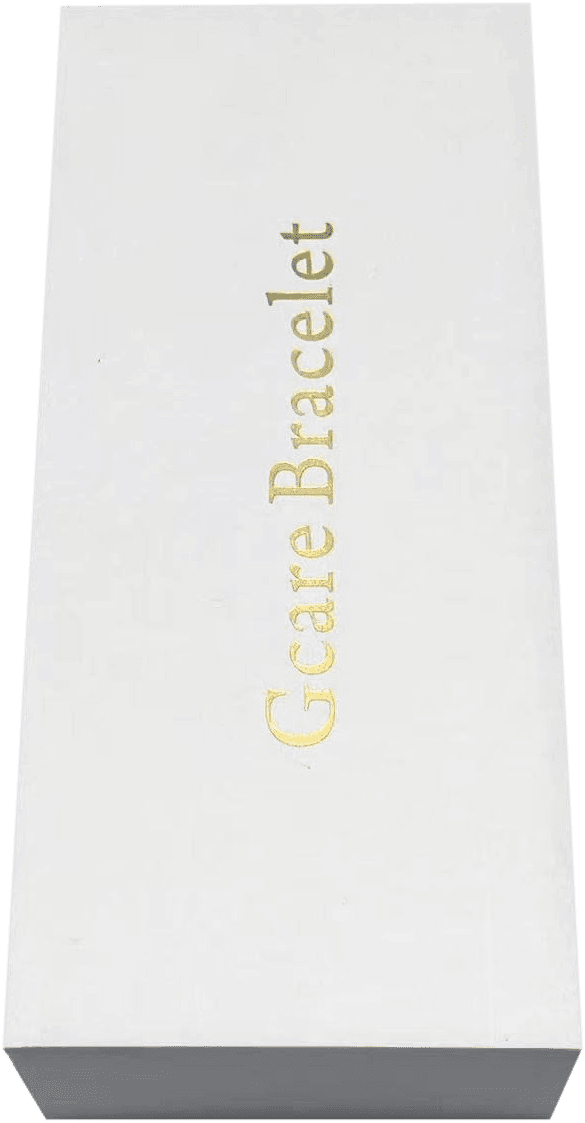

Move your pointer across the box to reveal the bracelet.Drag across the box, or tap it, to reveal the bracelet.
- GCARE bracelet
- Magnetic charging cable
- Quick start guide
- Support & warranty card
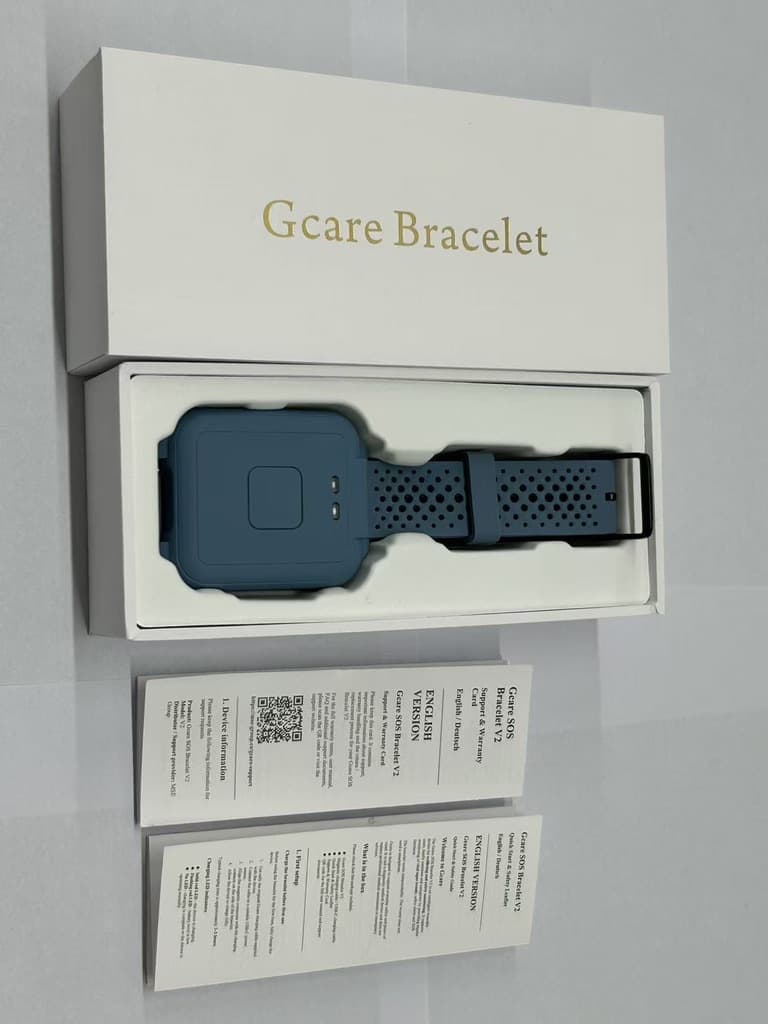
What's in the box
- 1GCARE bracelet
- 2Magnetic charging cable
- 3Quick start guide
- 4Support & warranty card
Technical specification
Detailed technical specifications are being finalized and will be published here once confirmed.
Good to know
- Not designed for showering or swimming
- Requires a stable mobile or Wi-Fi connection to send alerts
- Does not diagnose, treat or prevent any medical condition
- Automatic fall detection cannot guarantee detection of every fall